
AI that thinks like an investigator
Silo Nexus AI sees what you see — synthesizing, verifying, and guiding your investigation every step of the way while maintaining total anonymity to external services.
Airgapped AI to Accelerate Your Investigations
AI can turbocharge your work but can also undermine your mission if used without care. Querying public AI services will expose your identity and intent, only return what you think to ask, deliver hallucinations, lack grounded sources and reasoning paths, and provide no audit trail.
Nexus AI is purpose-built into Silo Workspace to meet the bar for sensitive intel work.
With Nexus AI, you get:
- Total Anonymity. External AI models see the request, never the requester
- Guided Analysis. Nexus AI surfaces leads, contextualizes results, derives actionable intelligence from raw data
- Specialist Intelligence. Six pre-configured investigation roles eliminate skill gaps across your team
- Grounded Truth. Every response anchored to fully resolved sources with transparent reasoning paths, reducing hallucinations
- Encrypted Oversight. Tamper-proof audit trail that meets the bar for compliance and evidentiary defensibility
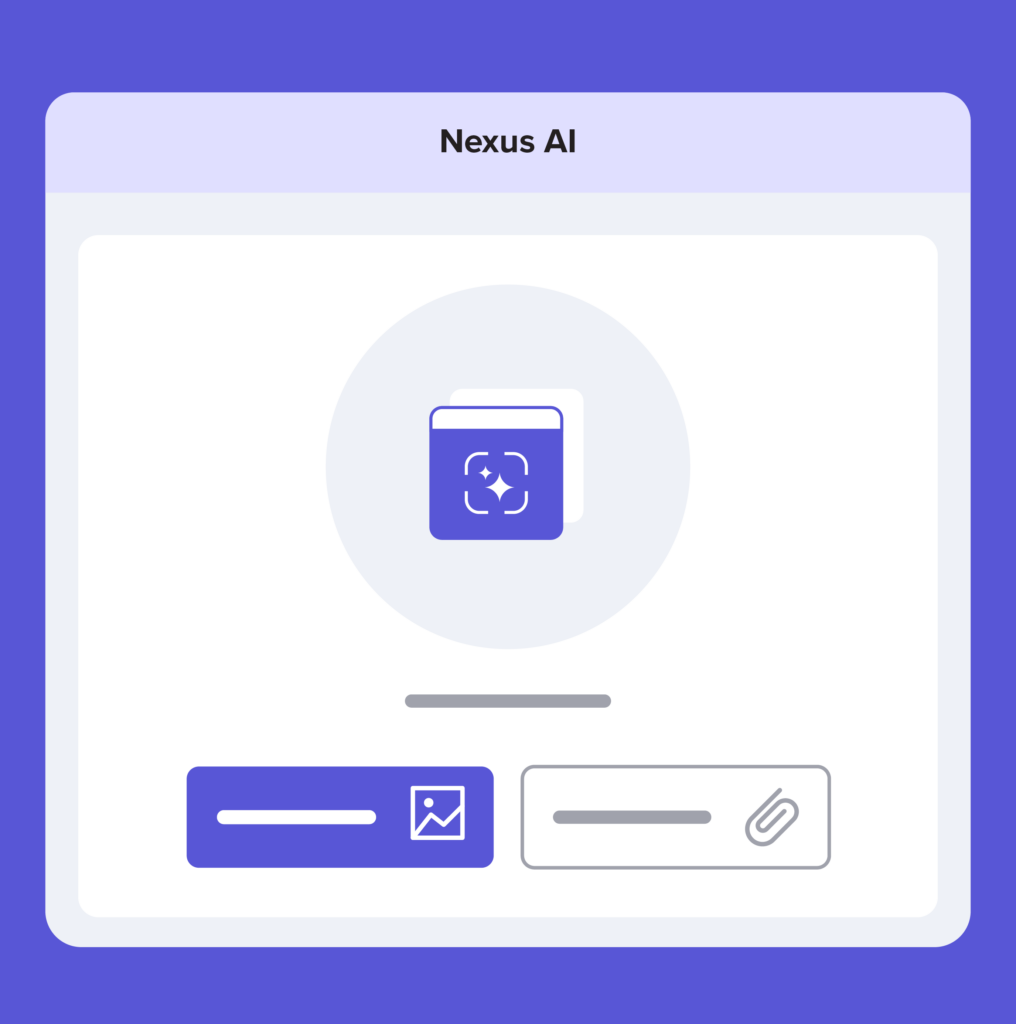
Specialist intelligence for every mission

Cyber Threat Intelligence

Build your own library of IOC extraction prompts tailored to specific threat actor groups, malware families, or MITRE ATT&CK techniques — no prompt engineering required.
Financial Crime

Create custom prompts for analyzing wire transfer patterns across jurisdictions, flagging structuring behaviors, or identifying sanctions exposure in transaction data.
OSINT

Save prompts for geolocating social media profiles, extracting attribution signals from user-generated content, or mapping identity connections across platforms.
Trust & Safety
Develop reusable prompts for detecting abuse patterns, identifying coordinated inauthentic behavior, or analyzing policy violations at scale.
Law Enforcement

Build case-specific prompts for structuring evidence timelines, extracting investigative leads from interviews, or generating court-defensible intelligence reports.
General Analysis

Create flexible investigative prompts for cross-functional workflows that don’t fit specialist categories — adaptable to any mission requirement.
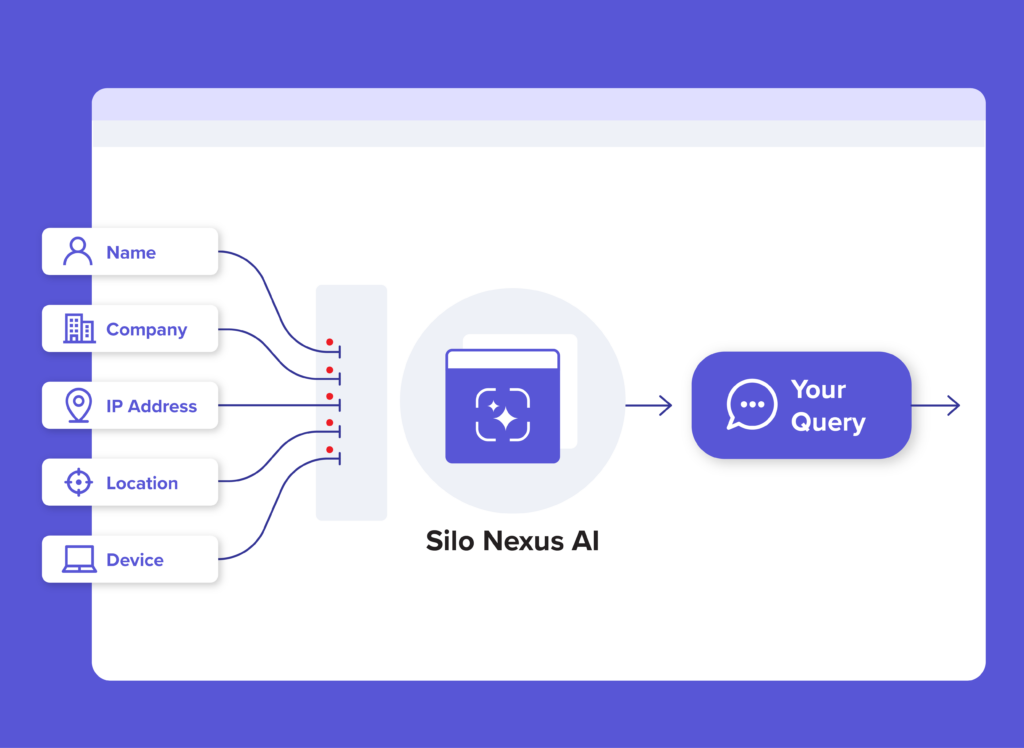
USE AI WITHOUT REVEALING YOUR IDENTITY
Every query is decoupled from your identity and organization affiliation, routed through Authentic8 infrastructure and therefore obfuscated. External resources see the request but never the requester. Queries are not shared for vendor model training.
Assess, Refine, and Pivot your Inquiry
Designed as a research specialist, Nexus AI captures content from any workspace app and delivers immediate contextual analysis — no prompts required. Active Annotations identify notable topics and areas of interest, enabling quick pivots or reassessments without disrupting the investigation flow. Suggested next steps guide where to look next. Nexus AI contextualizes results and prioritizes actionable intelligence over raw, unrefined data.

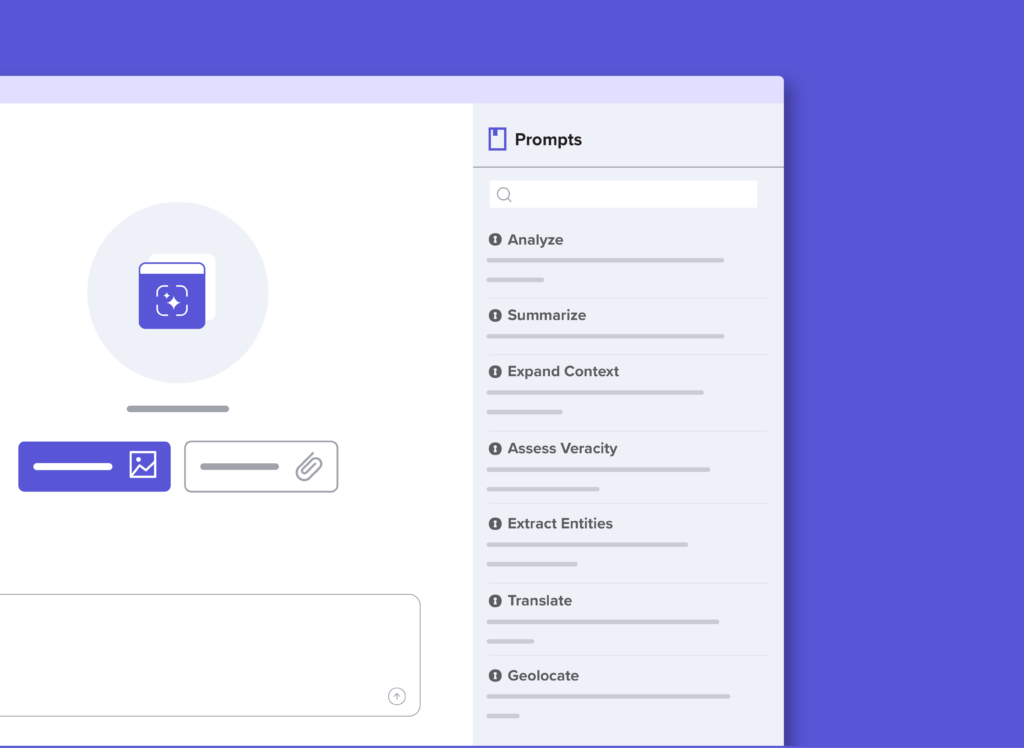
STANDARDIZE TRADECRAFT ACROSS YOUR TEAM
Customizable prompt libraries with built-in investigative tradecraft eliminate researcher skill gaps — ensuring every team member operates with specialist-level precision regardless of experience. Select your investigation role, and Nexus adapts its analysis based on who you are and what you’re investigating. Build your own library of IOC extraction prompts tailored to specific threat actor groups. Create prompts for analyzing wire transfer patterns across jurisdictions. Save prompts for geolocating social media profiles. No tickets to IT. No waiting for admin approval.
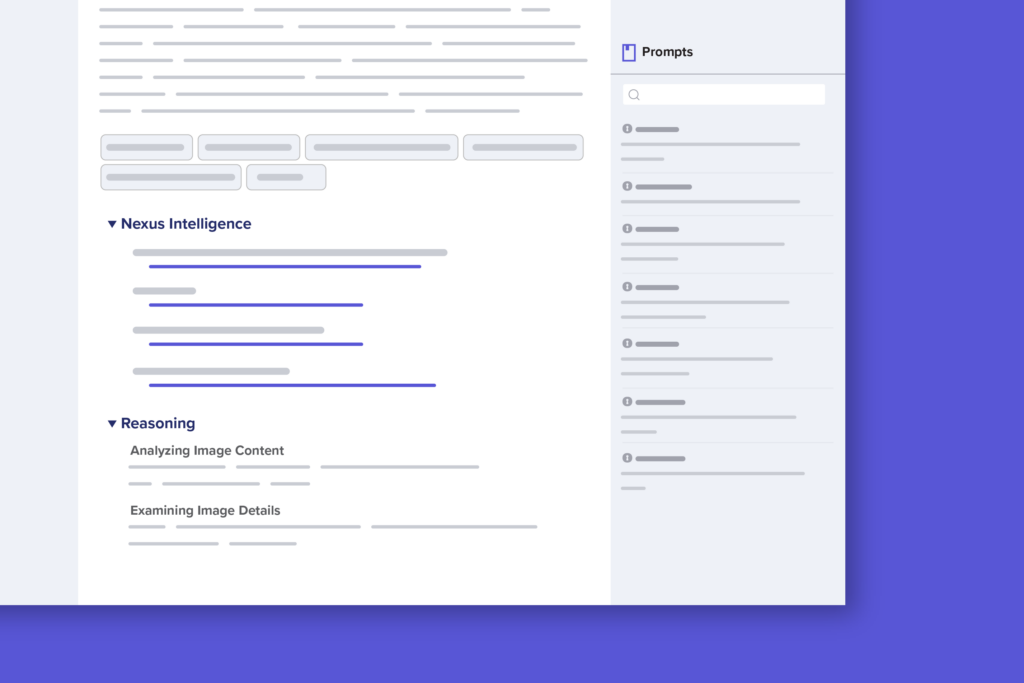
TIE INTELLIGENCE TO REAL SOURCES AND REASONING
Nexus AI reduces hallucinations by anchoring every response to its fully resolved source — referencing specific URLs and providing a transparent reasoning path to the evidence for evidentiary integrity and defensibility. Real-time web grounding retrieves current information to keep analysis accurate, and credibility assessments flag unreliable sources or anomalies.
GOVERN EVERY AI INTERACTION
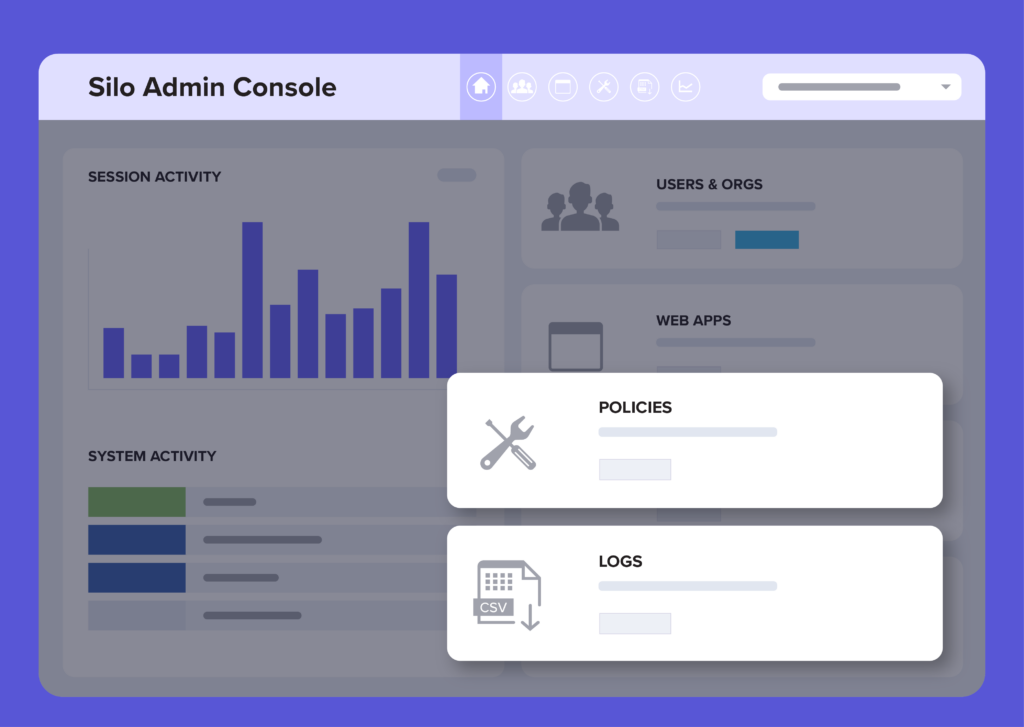
All interactions and full-thread conversations are captured in an immutable, encrypted log with customer-managed keys — Authentic8 cannot access your data. DLP controls block or flag uploads based on your policies, preventing sensitive data from reaching AI tools in the first place. Silo DVR records full AI sessions for audit, training, or review. The result is a tamper-proof audit trail for compliance and internal review without risking external exposure.
Silo Nexus AI Capabilities
Six pre-configured investigation roles (Cyber Threat Intelligence, Financial Crime, OSINT, Trust & Safety, Law Enforcement, General Analysis) customize Nexus AI analysis style, output format, and domain expertise. CTI teams get MITRE ATT&CK-mapped IOCs. Financial crime teams get FinCEN-aware analysis. OSINT teams get geolocation and attribution signal expertise — all without prompt engineering.
Upload and analyze PDFs (threat reports, financial disclosures), CSVs (transaction data, OSINT exports), HTML (scraped dark web pages), TXT, Markdown, XML, RTF, and other investigation content formats. 50MB file size limit per upload.
Right-click on any content in the Silo browser and send it directly to Nexus AI with a single click. Zero context switching from evidence collection to AI-powered analysis.
One-click “Send to Nexus AI” from cloud-stored investigation files. Teams analyze shared intelligence sources without duplication or manual file transfers.
Analysts create, save, and manage custom prompts without admin intervention, accelerating tradecraft iteration. Admins retain full control over organization-wide policies and audit logs.
Deeper structured analysis with expandable citations. Every claim is backed by verifiable sources — court-defensible, audit-ready, chain-of-custody compliant. Conversation search (Ctrl+F / Cmd+F) enables instant retrieval of prior analysis within complex investigations.
Trusted by industry-leading teams
Silo is an easy-to-run and install tool hosted in the cloud, with a dynamic and intuitive interface, trained technical support, and good security.
If you are looking for a top-of-the-field OSINT managed attribution tool and capability, A8 Silo is the best in the business.
Director of Operations
This was so unique and so helpful for my work that I don’t care if I sound like a commercial. It’s going to make analyst jobs just that much easier to do.
Jon Dimaggio, Chief Security Strategist

Silo gives us the ability to not worry about the language barrier [and] to obfuscate where we’re coming from. We may not tip off a bad actor. … If you want to get deep into an investigation. You don’t want to alert the bad guys that you’re taking a closer look.
Tom Bakry, MPGSOC manager

Easy to use and administer. Setting up Silo for Research was a snap and makes for quick and safe ad-hoc investigations.
Silo solved my need to keep creating custom firewall rules for my team to look at unknown, suspicious, malicious domains in a safe environment.
Security Architect
frequently asked questions
What are the latest updates with Silo Nexus AI?
Silo Nexus AI v2 is available as of August 2026. It introduces 6 specialist investigation roles that automatically adapt analysis output to your tradecraft, eliminating prompt engineering. We’ve added multi-format file upload support, right-click browser integration for instant evidence-to-analysis workflows, Silo Drive integration, and user-managed custom prompts so analysts can build their own tradecraft libraries without admin intervention.
Is my data used to train AI models?
No. Authentic8’s licensing model ensures that your queries, captured content, and AI responses are never retained by the external AI provider for model training or any other purpose.
Does my identity get shared with the AI provider?
No. All Nexus AI requests are routed through Authentic8-controlled infrastructure within the FedRAMP authorization boundary. The AI provider receives only the processing request and does not have visibility into your identity, organization, device, or Silo session. This architecture ensures that your requests are managed, secured, and non-attributable.
How is my data protected during analysis?
Your data is protected at every stage:
- In transit: All communication between Nexus AI and the AI service is encrypted using TLS with FIPS-validated cryptography.
- At rest: Saved conversations and analysis artifacts are encrypted using Silo’s existing Secure Storage mechanisms and protected with cryptographic integrity checks.
- In processing: Nexus AI runs in an isolated container, separated from your browser and other applications within the Silo session. It cannot access content from other users, other sessions, or the host operating system.
How many queries do I get per day?
You get 10 queries per user per day. This limit applies to all workspaces, and every interaction counts — including follow-up questions and Active Annotation clicks. The limit resets at midnight UTC. An Unlimited tier is available as a paid add-on; contact your administrator for details.
Can I customize the prompts in the Prompt Library?
Yes, the prompts in the Prompt Library are fully customizable for users.
Can Nexus AI access all content in my Silo session?
No. Nexus AI does not have access to Silo session data or content unless you explicitly provide it. AI processing is based strictly on user-provided inputs through text, file upload, or the Nexus AI screenshot tool. The screenshot capability is limited to your active Silo environment and cannot capture content from your local endpoint — device-level data remains completely inaccessible.
Does each workspace have its own conversation history?
Yes. Conversations are scoped to the workspace where they were created. An analysis started in one workspace does not appear in another. This isolation helps you organize investigations by case, mission, or attribution.
What happens to my conversations when I delete a workspace?
Your conversations are stored in Silo Drive and will be deleted when the workspace is removed. To keep them, use the File Manager to move the conversations to another storage container before deleting the workspace.